Your day, at a glance.
Your screen, your way.
A calendar that feels right at home. Beautiful, personal widgets
that keep your plans in view, without opening an app.
For Android 7.0 and later · No account needed · Just your day
A view for every kind of day.
From today to the month ahead.
Find the view that feels like you.
Month, 4 Weeks, Week Timeline, Up Next, 2 and 3 Weeks, Week Agenda, Week Grid, List, Today, 1 Week, and Today + Mini Month.
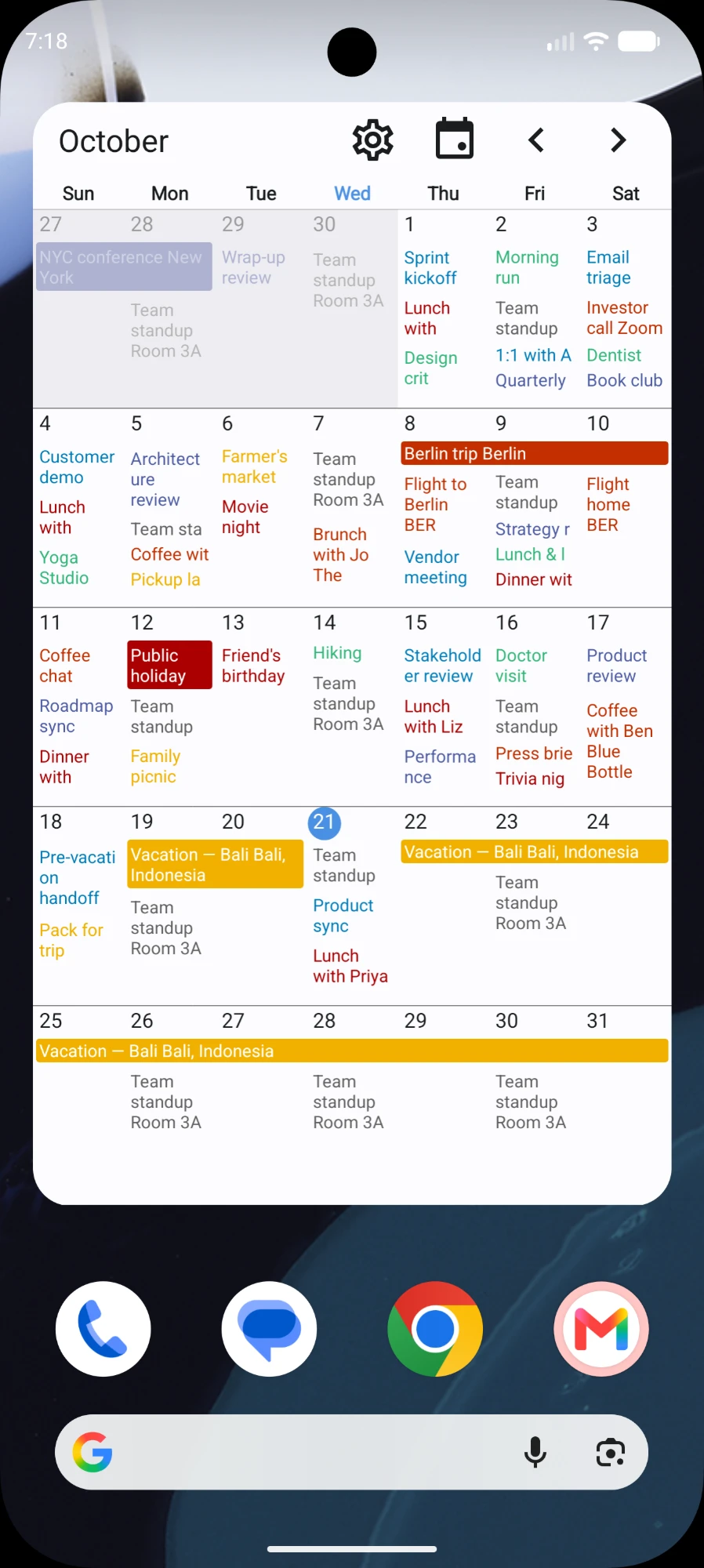
Month Your whole month, with event titles in each day.
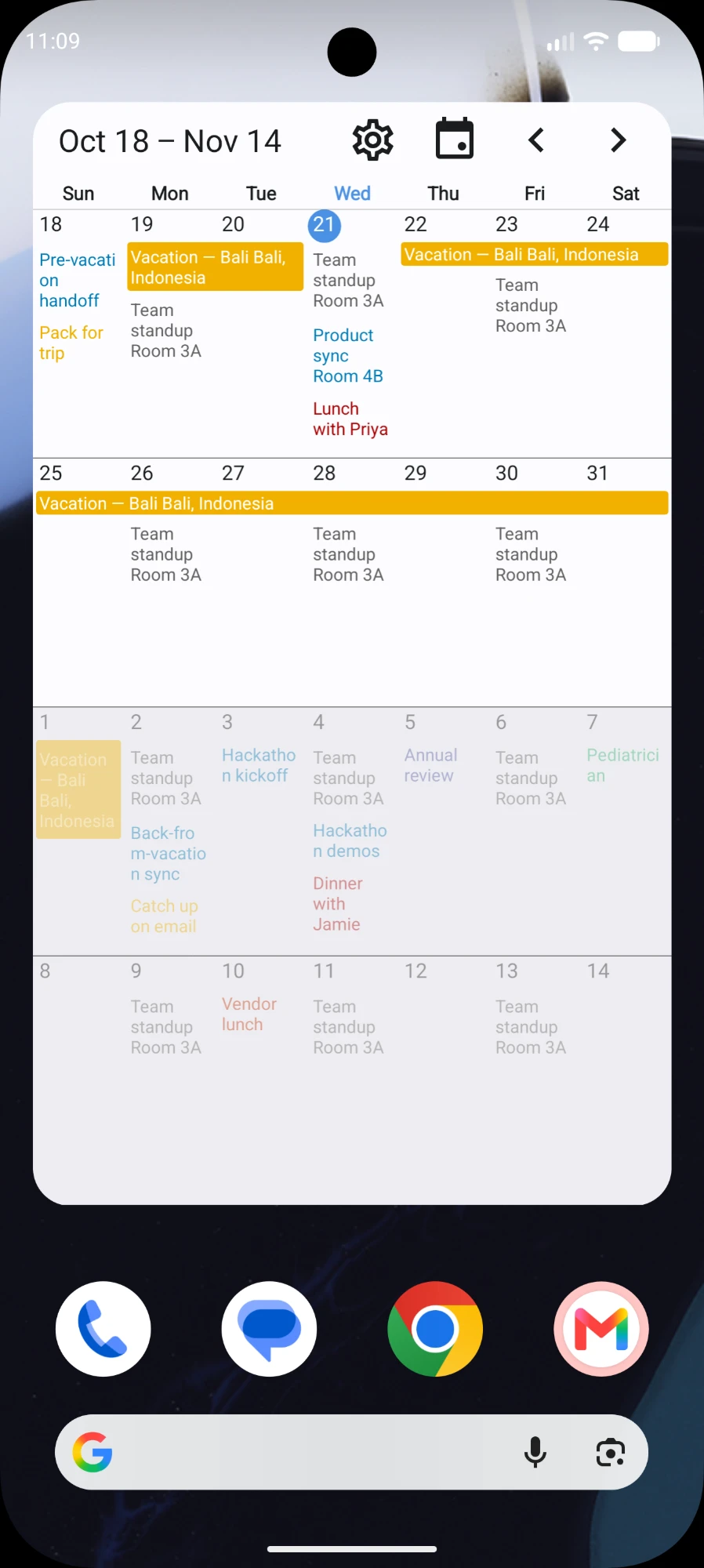
4 Weeks Nearly a month, without the grid.
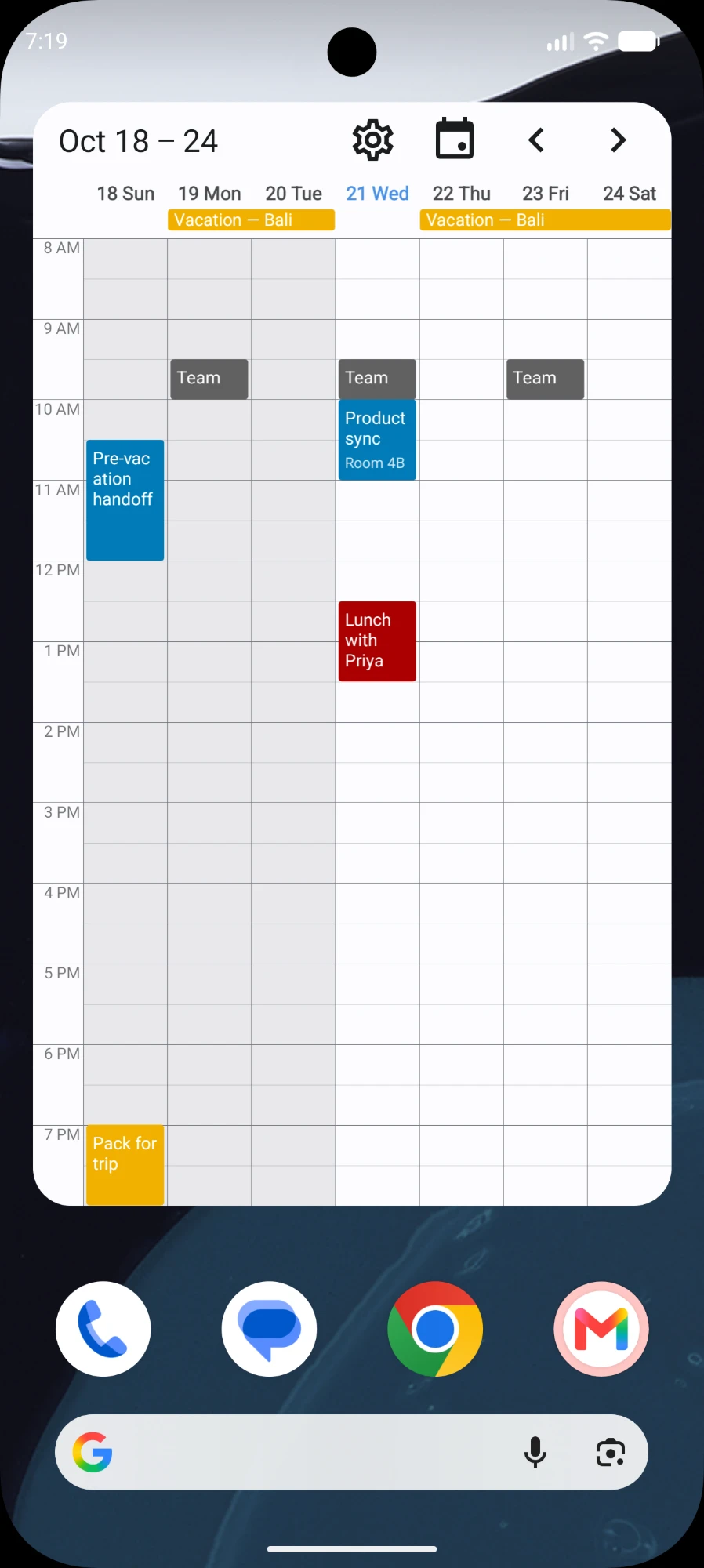
Week Timeline Your week by the hour, so gaps are obvious.
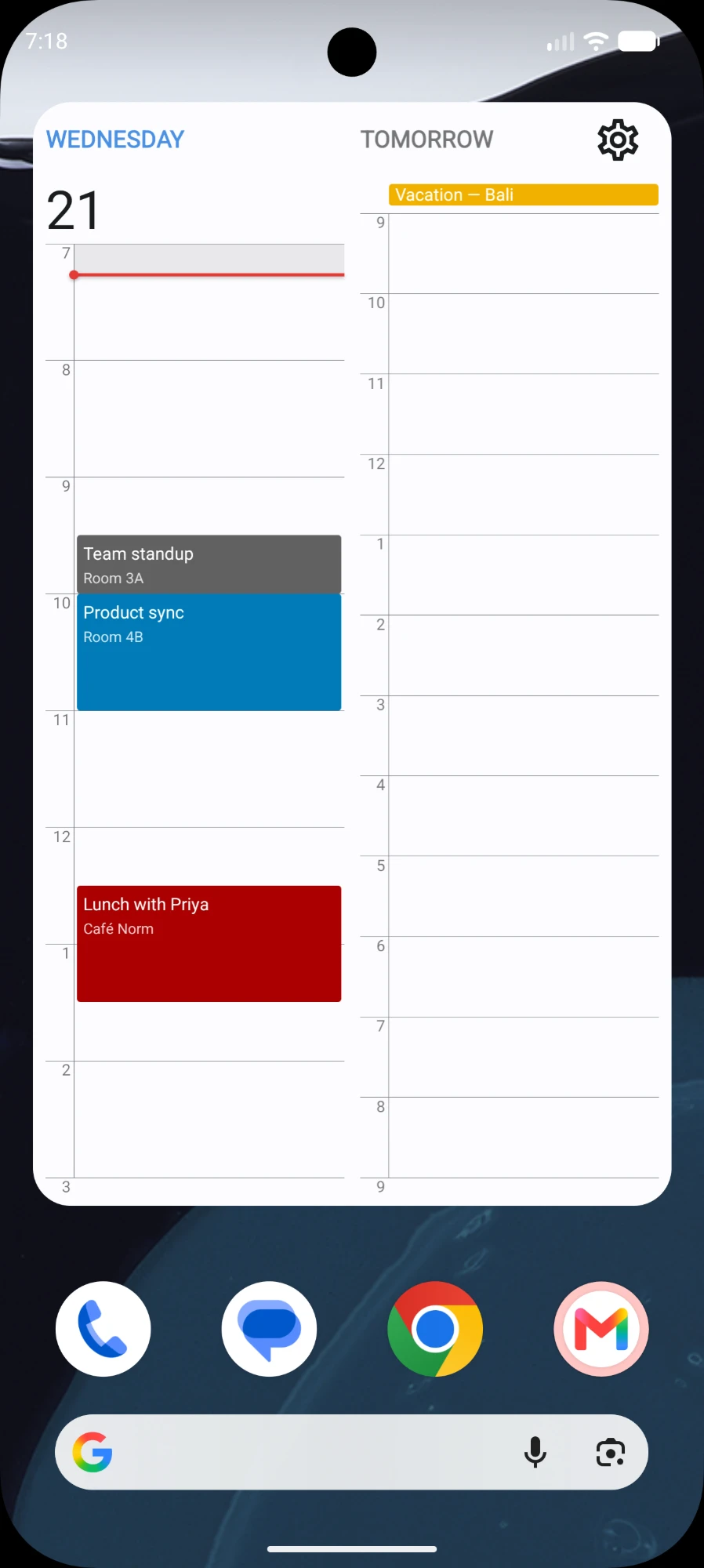
Up Next Today’s upcoming events side by side with tomorrow’s.
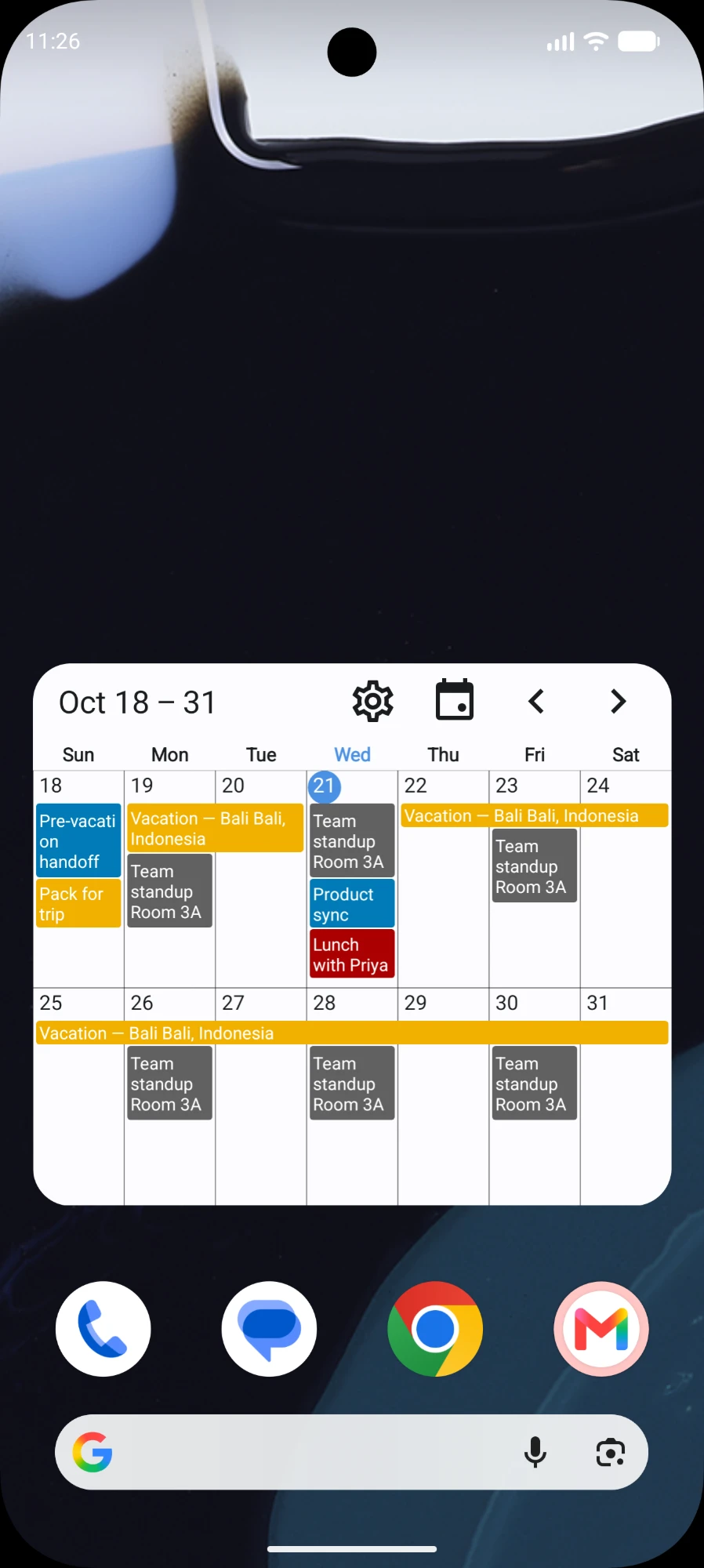
2 Weeks This week and next, side by side.
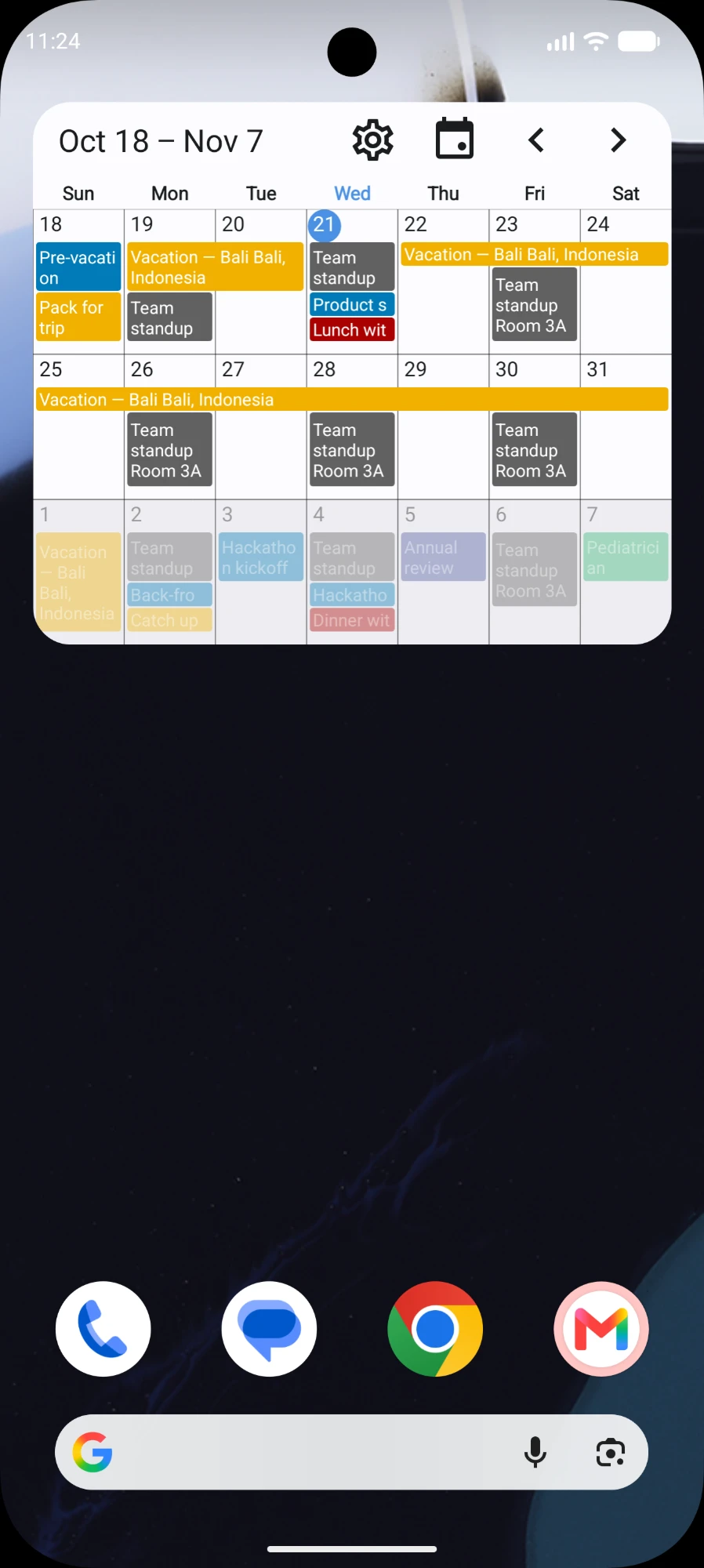
3 Weeks Enough runway to plan around.
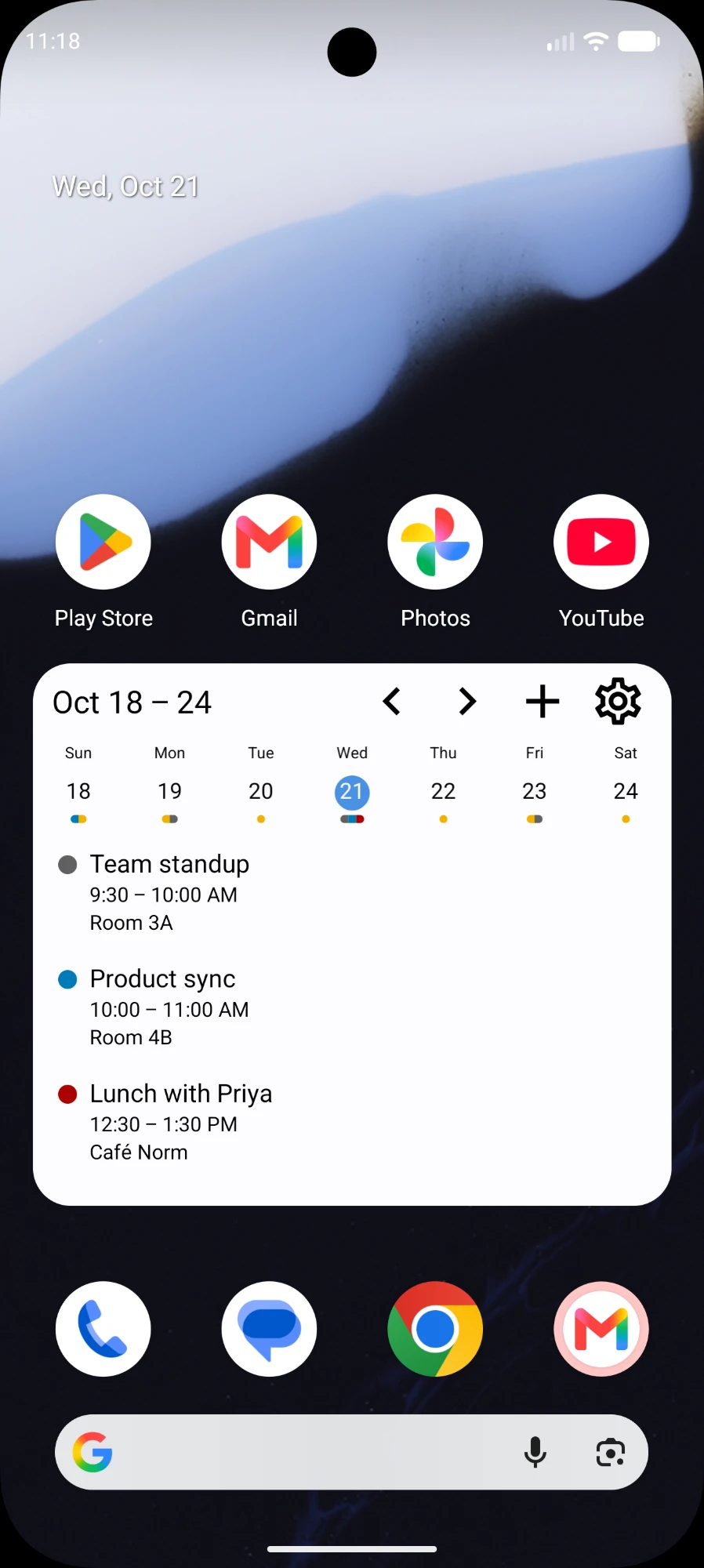
Week Agenda The week as a list, day by day.
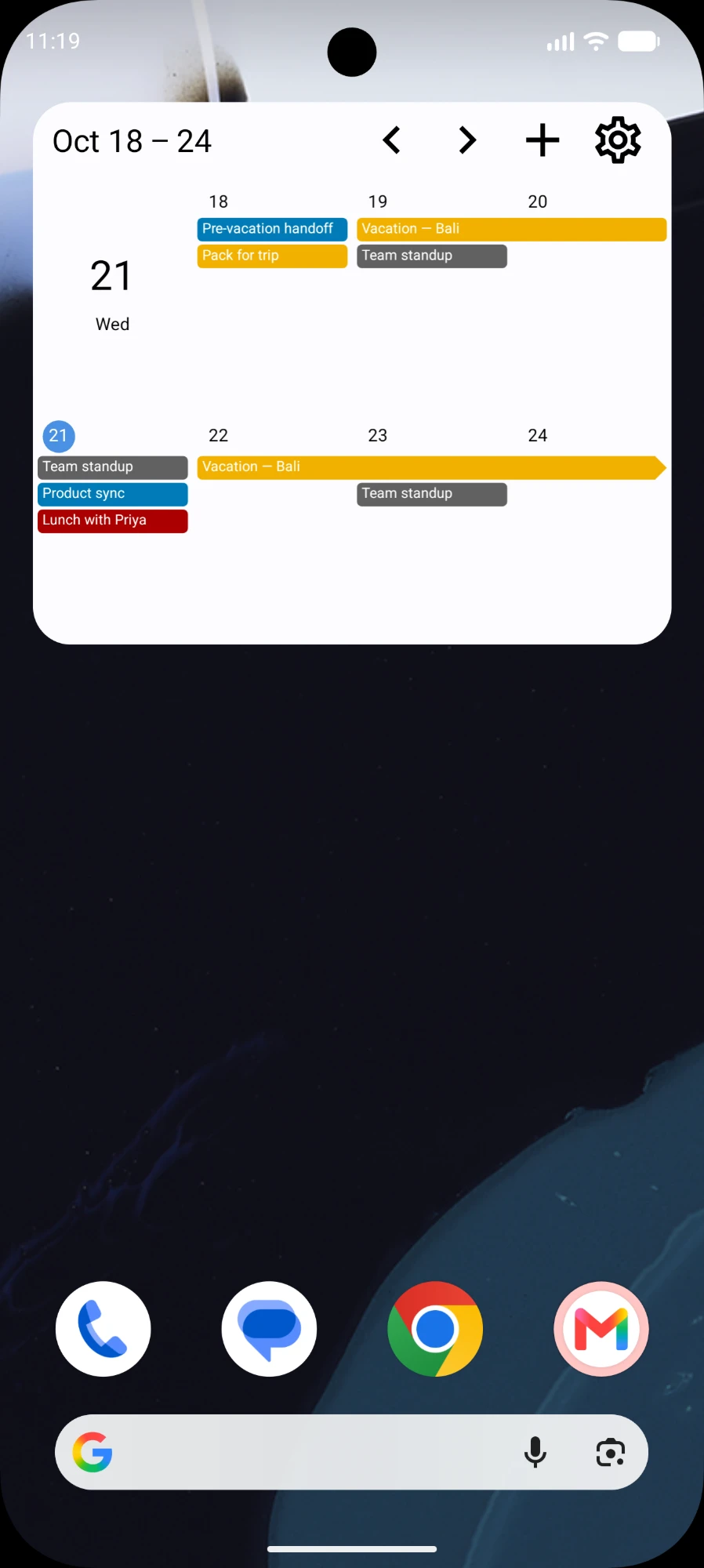
Week Grid Seven days, each with its own column.
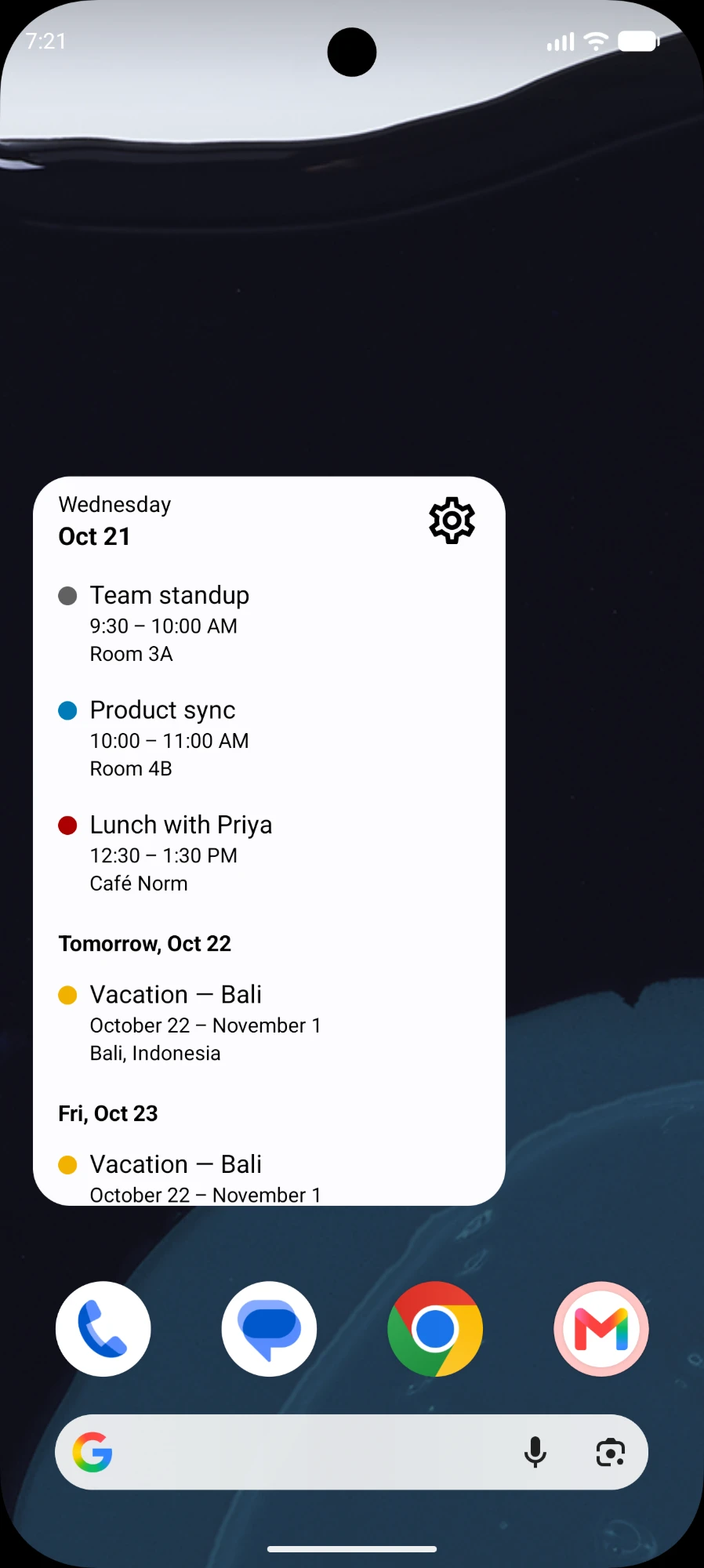
List What is coming up, in order.
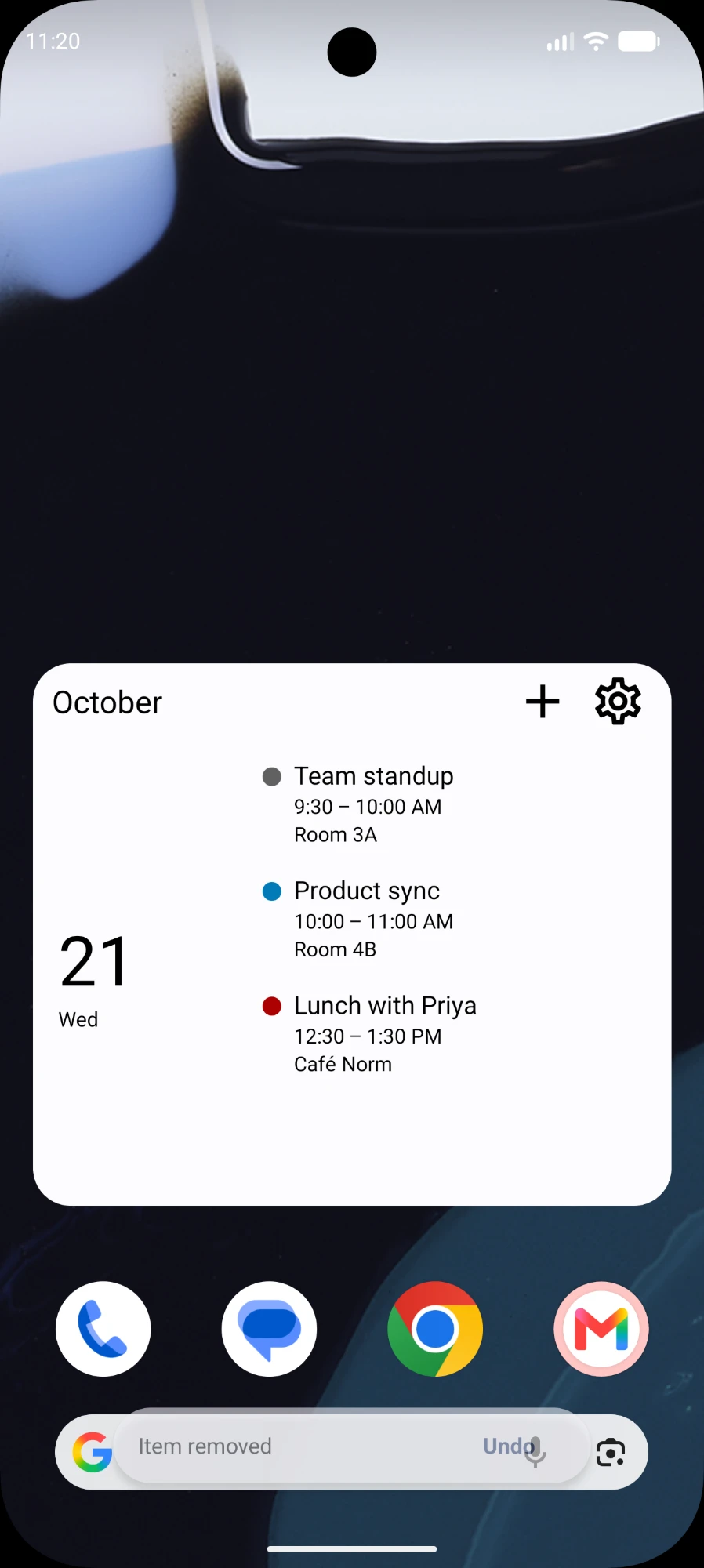
Today Today’s date with the day’s events beside it.
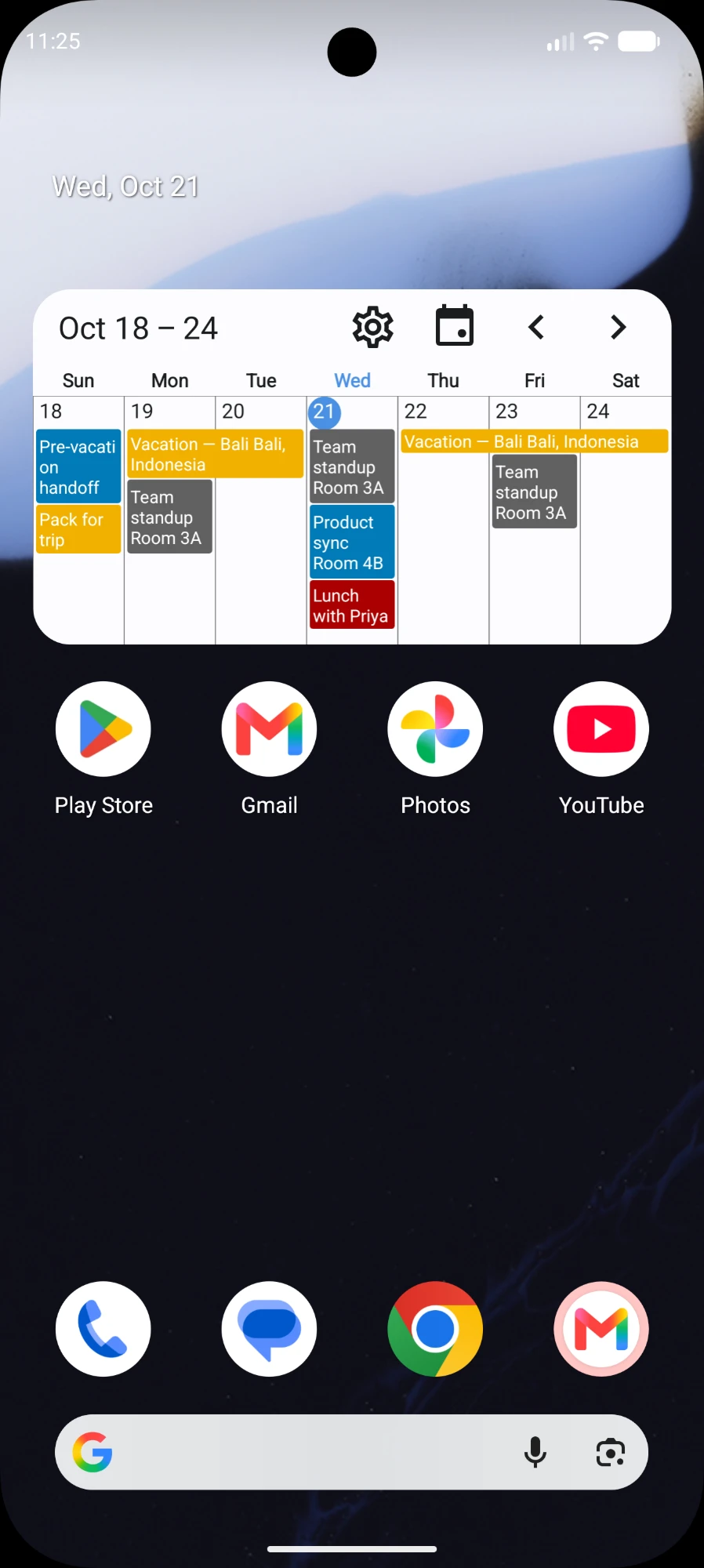
1 Week A focused view of the week ahead.
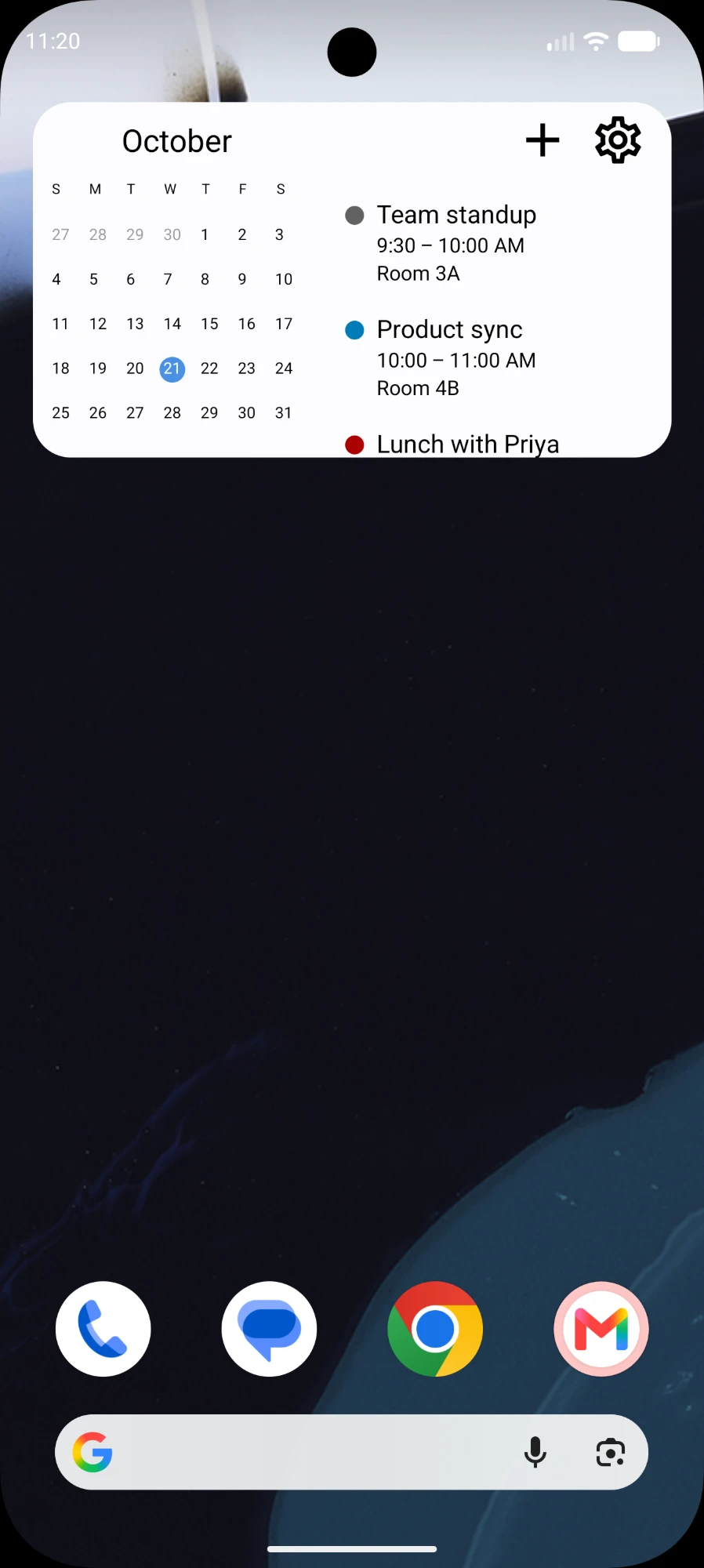
Today + Mini Month A small month grid next to today’s plans.
Start with Month for free. Unlock the other 11 widgets and the skins with one optional Premium purchase. No subscription.
Not a port. A proper Android app.
Read-only, and not just as a promise
The app holds READ_CALENDAR and nothing else. It does not have the permission to write to your calendars, so it cannot change or delete an event even by accident.
No network permission at all
Android’s Internet permission is not in the manifest. The app cannot connect to anything — not a server of ours, not analytics, not an ad network. There is nothing to opt out of.
Editing hands off to your calendar
Tap a day in a widget for a quick pop-up of what is on. Choose to add or edit an event and the app passes you to whichever calendar app you prefer, which does the editing.
Purchases through Google Play
The one-time unlock is handled by Google Play end to end. The answer is checked on your device, with Google’s signature on it, and nothing is uploaded anywhere.
Your plans are personal.
Let’s keep them that way.
Nothing leaves the device, because nothing can: without the Internet permission there is no connection to make. Your widget settings live in the app’s private storage, and deleting the app removes them.
Requirements
An Android phone or tablet running Android 7.0 and later. No account, and no sign-in. Looking for the iPhone and iPad version? It is on the App Store.
A clearer day starts
on your home screen.
Your plans, right where you need them.